The standard way is to dump the MySQL database.
You can also export all Custom Tables tables using PHPMyAdmin.
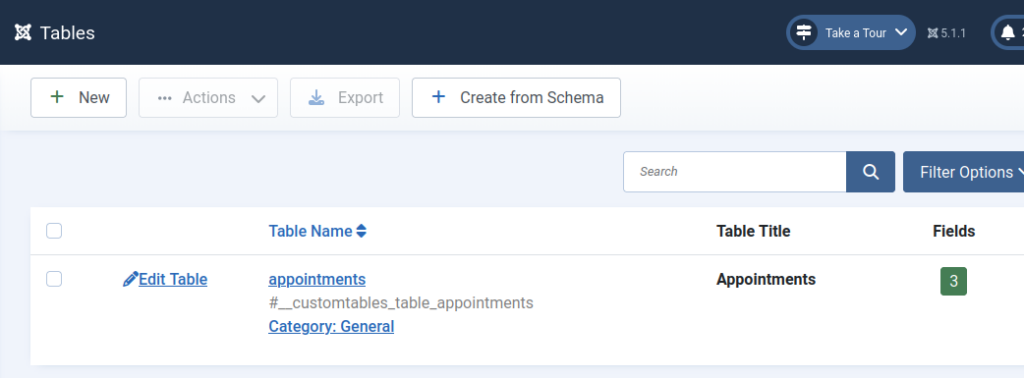
Or you can go to Custom Tables → Tables, select the tables, and click Export. It will create a .txt file in JSON format that includes the selected table structure, layouts, and associated menu items.
You can import it using Custom Tables → Dashboard → Import Tables.
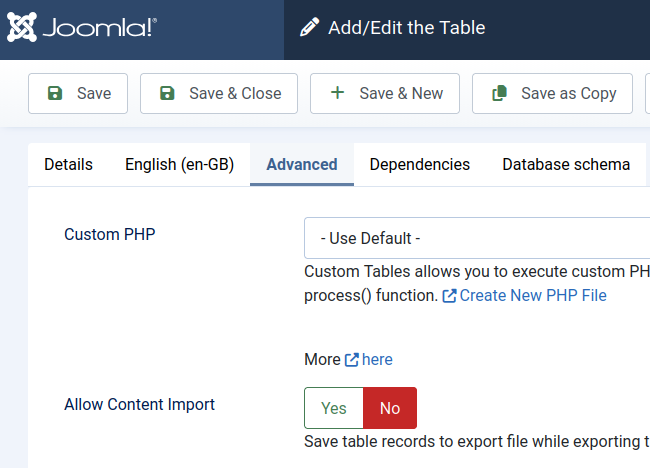
You can also include table records (in Table Settings → Advanced tab) by enabling Allow Content Import.
Import exported table structure #
You can import exported tables to Custom Tables.
This functionality makes it easy to setup new website.
Exported table(s) file is a JSON encoded text file that contains table structure, fields, layout and menu item.
Below is an example of how to import “Appointments” Demo example.
Download. https://ct4.us/downloads/appointments.txt file. Click using mouse right button and press on “Save Link As”
Follow steps:
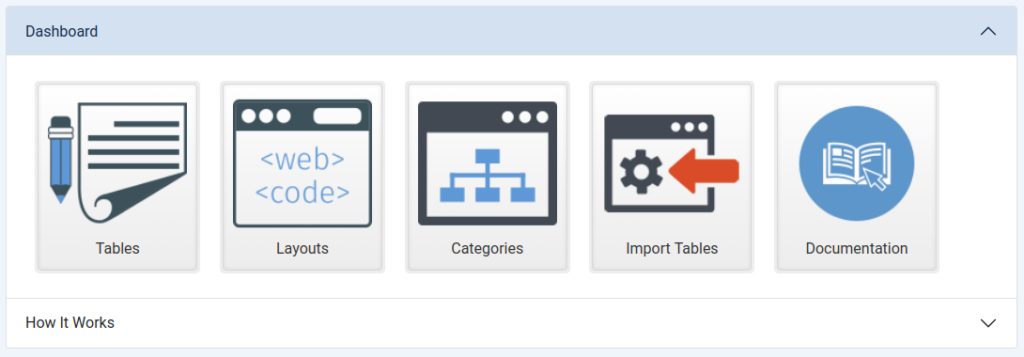
Step 1 Go to Components/Custom Tables – Dashboard and click on “Import Tables” button
Step 2 Click on “Upload” button
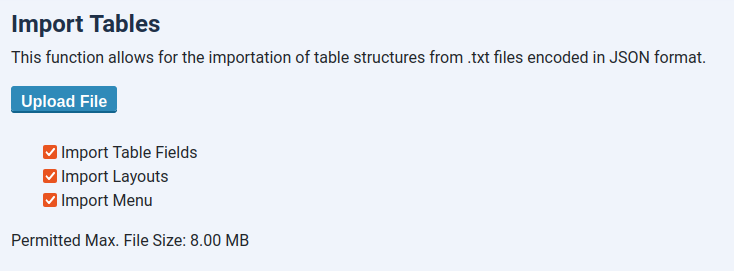
Step 3 Select exported table file (*.txt)
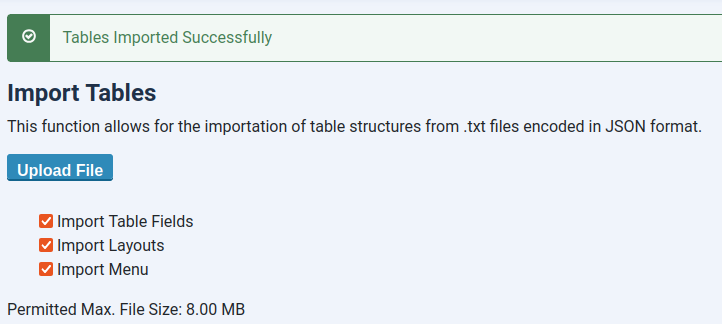
Step 4 Done. Go to Custom Tables/Tables to see the new tables.
Export functionality available in Custom Tables Pro version only.


Leave a Reply
You must be logged in to post a comment.